Let Attendees Reserve Their Spot in Sessions.
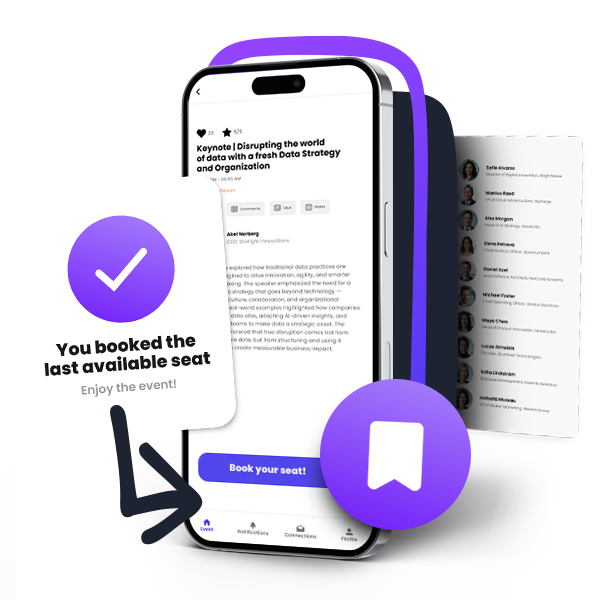
Allow attendees to use the Agorify event app to book workshops, roundtables, breakout sessions and other event activities. Stay in charge of capacity, waitlists and who can reserve a place.
Create your event for free. Reservations require Professional or above.
3000+ organizations trust Agorify with their event planning





Set up session reservations in 3 steps
Add your event activities, choose how booking works and let attendees reserve directly through the Agorify app.
Start for freeAdd your activity
Set a workshop, roundtable or breakout session to your event agenda. Add a description, time and location.
Set your booking rules
Enable reservations, set the capacity and choose open booking, approval requests or invitation-only access. Enable a waitlist where needed.
Let attendees reserve
Attendees open the activity in the Agorify event app to reserve a place, request approval or respond to an invitation.
Flexible Booking for Every Event Session
Set different reservation rules depending on the activity - from open booking to limited-capacity sessions and waitlists.
Capacity limits
Set how many attendees can reserve each activity.
Attendee booking
Let attendees reserve a spot directly from the event app.
Waitlist management
Allow attendees to join a waitlist when an activity is full.
Approval-based booking
Review and approve reservation requests when needed.
Invitation-only access
Limit selected activities to invited attendees.
Attendee cancellations
Let attendees cancel their reservation directly in the event app, freeing up the spot for someone else.
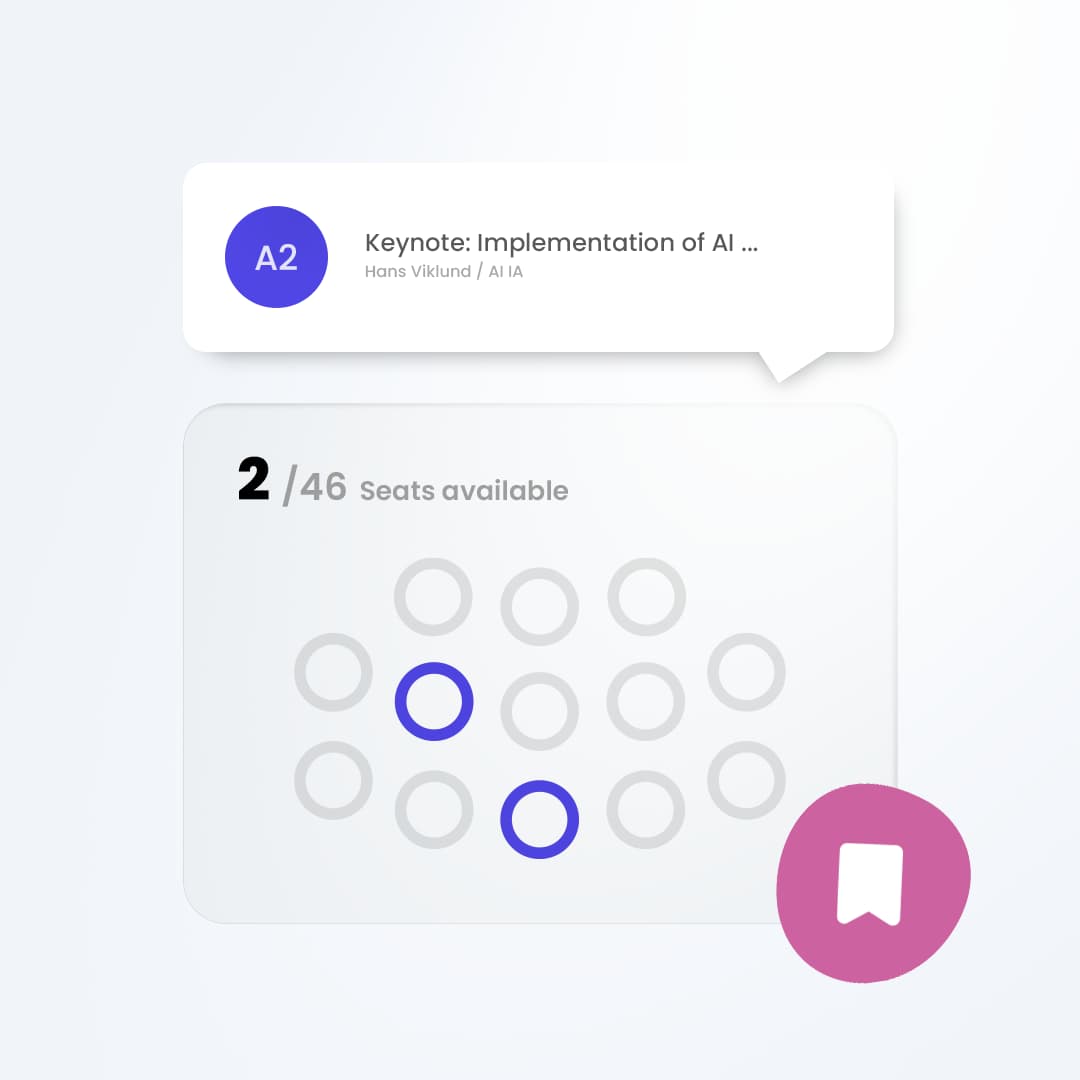
Set capacity limits for every bookable activity
Set a reservation capacity for each event activity so attendees know whether they can book a place before arriving.
Start for Free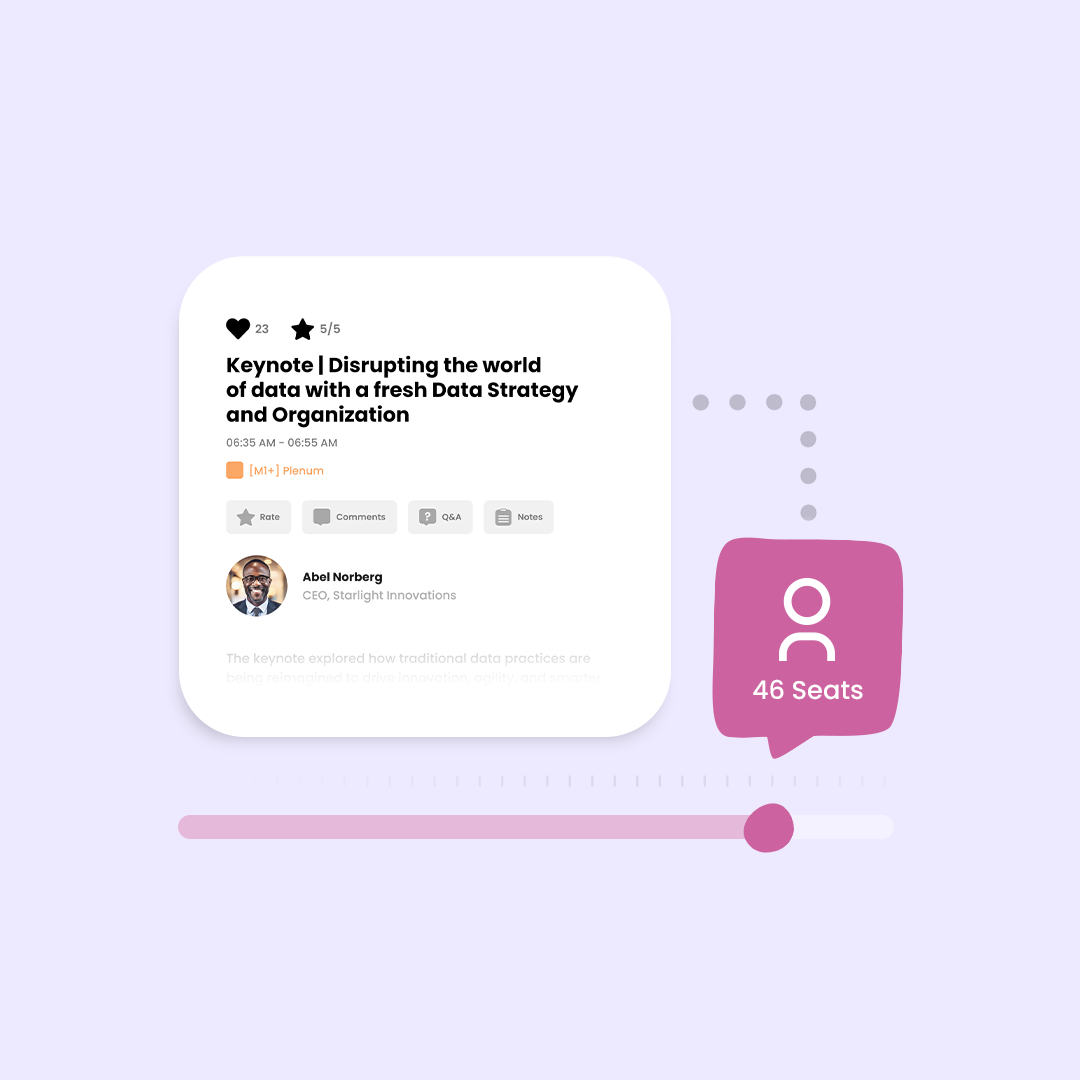
Manage waitlists for fully booked activities
Enable a waitlist so interested attendees can join it and see their status in the event app. Once a reservation is confirmed, attendees are notified. If someone cancels a confirmed reservation before the activity starts, their place is released and others can book it.
Start for Free
Control reservations with approvals and invitations
Choose open booking, approval requests or invitation-only access to fit the purpose of each event activity. Attendees manage their reservations in the Agorify event app. A pending request is clearly marked as awaiting approval, so it is not mistaken for a confirmed place.
Start for Free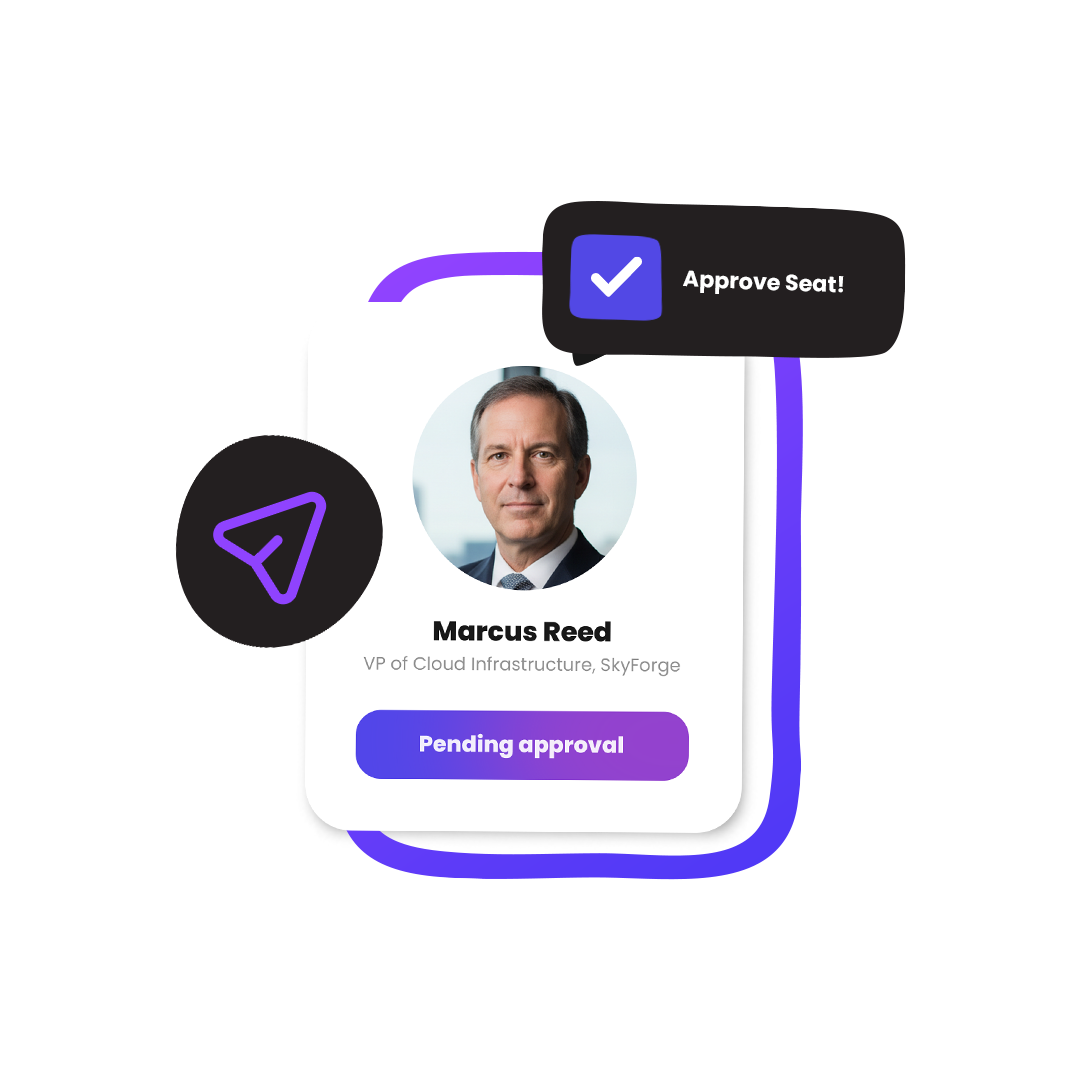
Built for Activities Where Space Matters
Some event activities work best with a limited number of attendees. Agorify helps you manage reservations, capacity, and access for activities such as:
Start FreeWorkshops
Give attendees a simple way to reserve a place in hands-on or interactive sessions.
Roundtables
Keep smaller discussions focused by limiting the number of available spots.
Breakout Sessions
Manage attendance across multiple sessions happening at the same time.
Networking Sessions
Let attendees reserve a place in structured networking activities.
VIP Sessions
Control access to exclusive activities with invitation-only reservations.
Training Sessions
Manage limited-capacity training, onboarding, or learning sessions directly in the event app.